• Home
  • Student
  • Employee
  • FAQs
  • Home
  • Student
  • Employee
  • FAQs
home/Knowledge Base/Employee

How to Submit an Legal Services Request Form

6 views 0 November 8, 2026 mmirza

How to Submit Legal Service Request

Step 1: Log in

  • Navigate to https://iprocess.hbku.edu.qa/
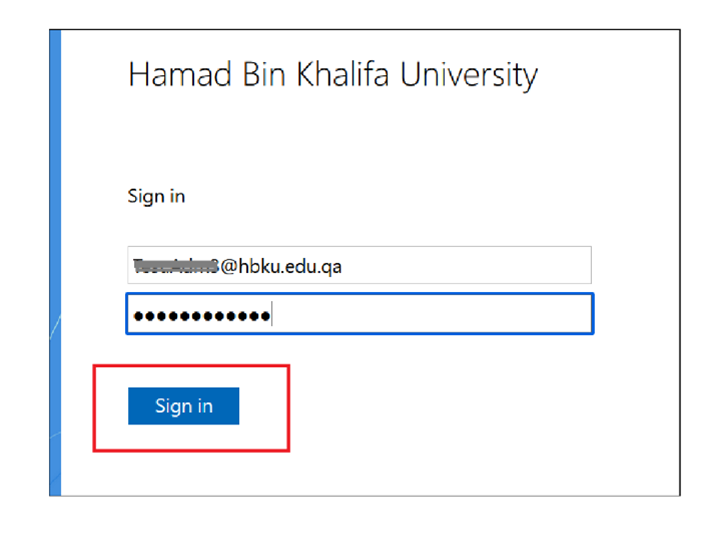
  • Log in with HBKU Email ID and Password
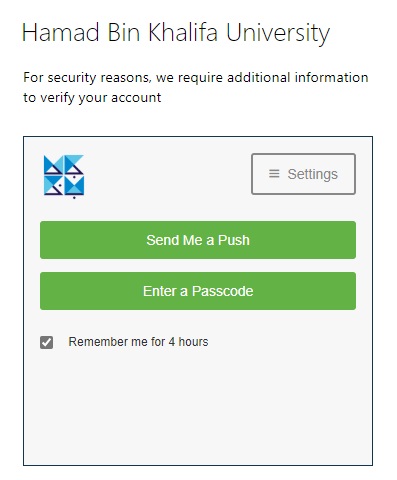
  • Authenticate with DUO
  • Click on Send me a Push and approve from your mobile.
Step 2: Request Submission

Please note the legal services form is available for submission for focal points from each entity of HBKU.

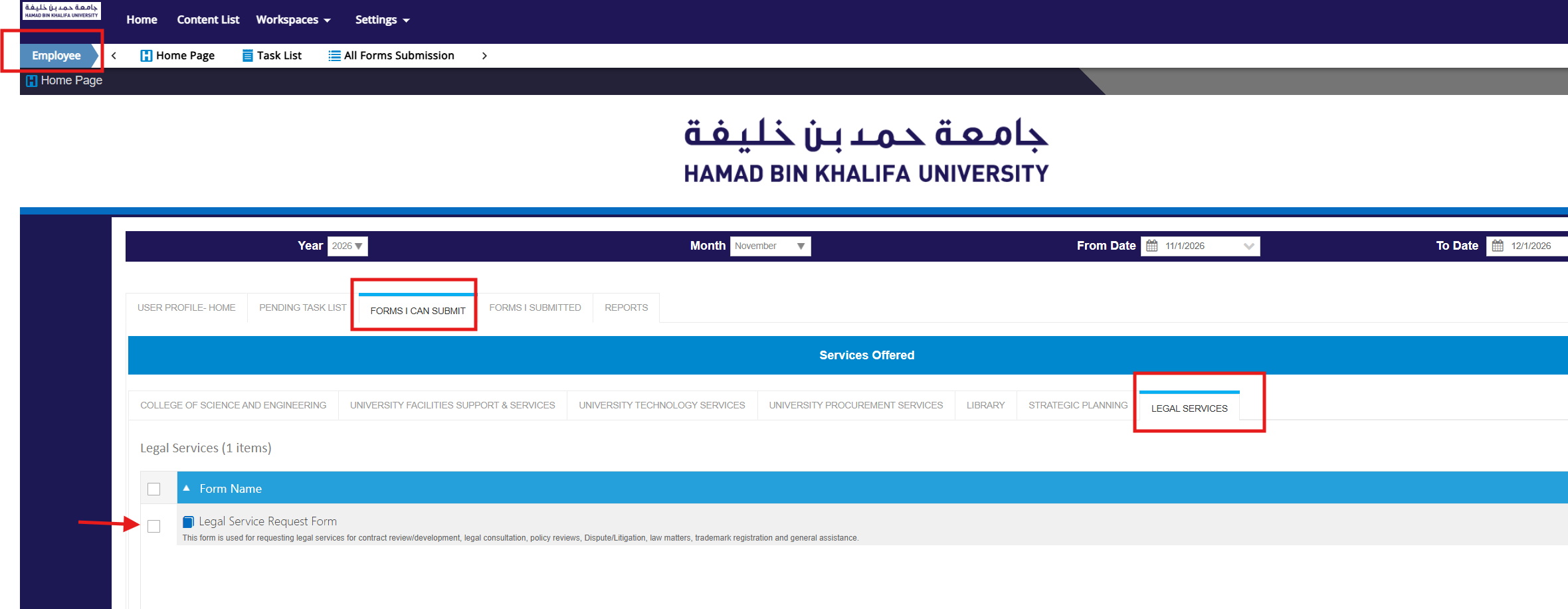
  • Under Employee Workspace, click on Form I can Submit Section
  • Click on the Legal Services Tab
  • Click on the Legal Service Request Form
 

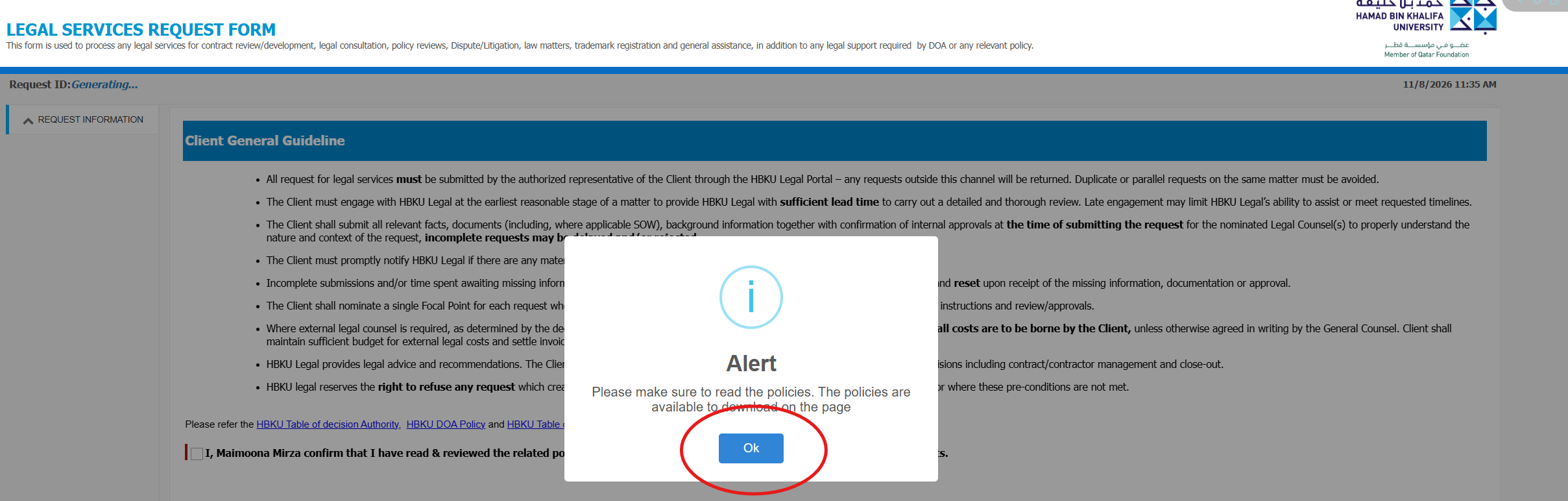
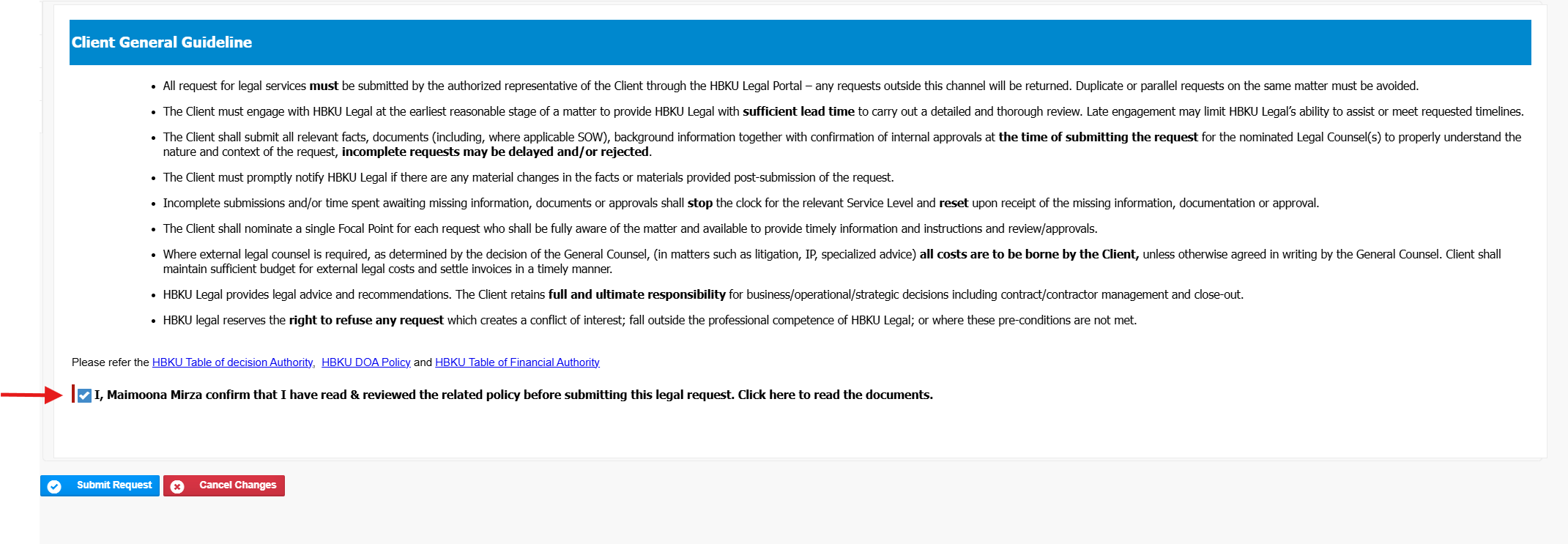
  • Click on Alert box to read the policy

  • Read the client guidelines, policies carefully and acknowledge.
  • Click on Request information tab and fill in the details
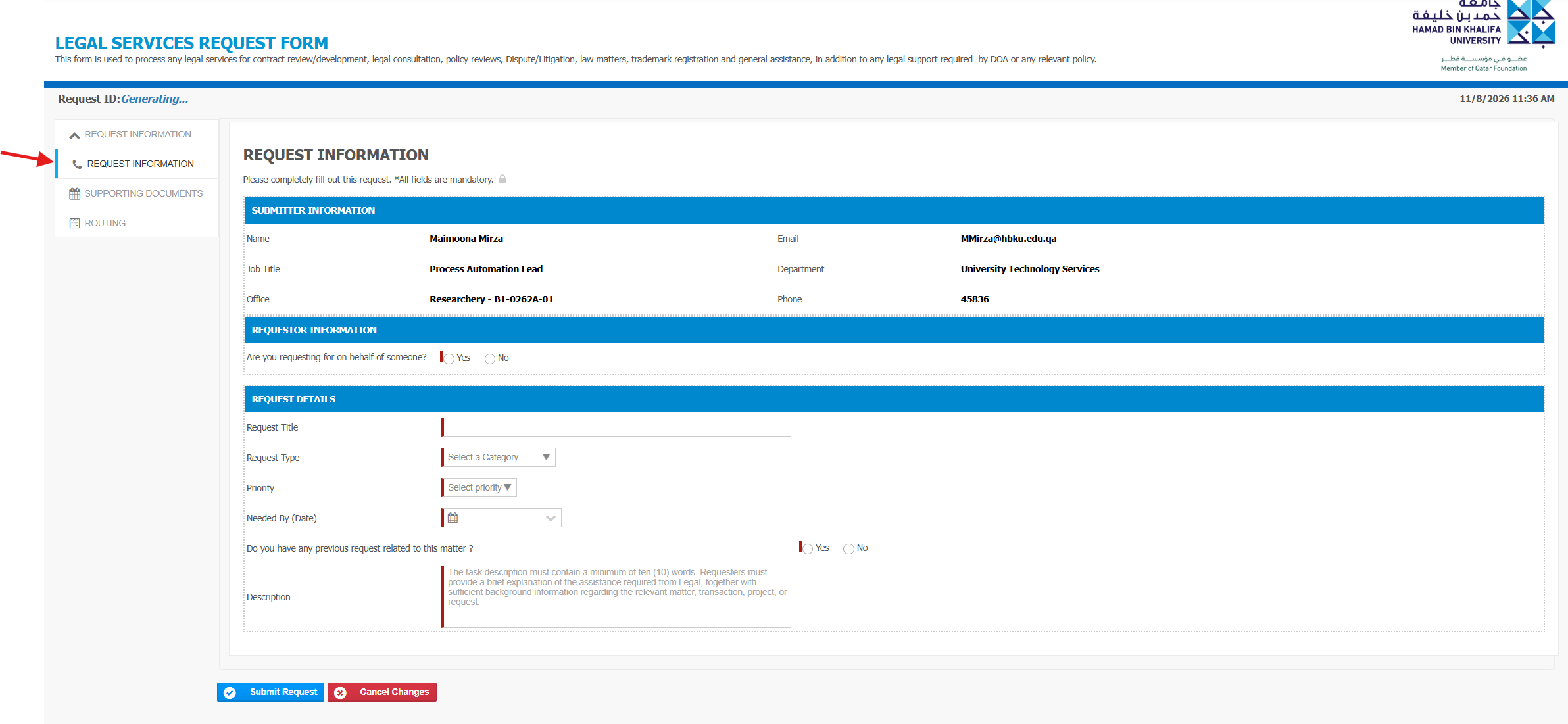
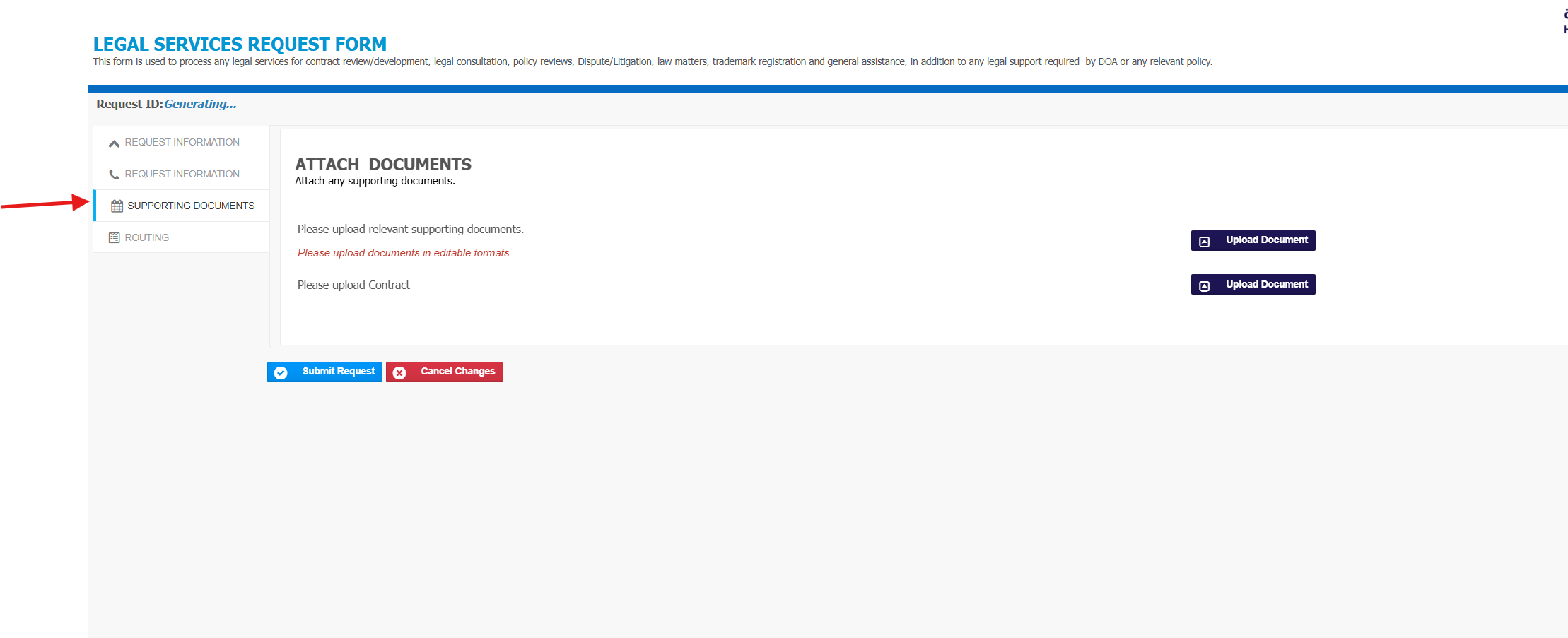
  • Upload the relevant documents

  • Click on Submit Request.

Tags:How to submit Legal Services Request FormLegalLegal ServicesLegal Services Request Form

Was this helpful?

Yes  No
Related Articles
  • How to schedule a Teams meeting with a meeting link?
  • How to activate Duo Security two factor authentication?
  • How to approve a Survey to Publish
  • How to Publish a Survey (Qualtrics System)
  • How to Submit an Annual Procurement Plan
  • How to submit CSE External Examiner Request Form
  • Privacy Policy
  • Privacy Policy
  • Terms of Use
  • Cookies Policy
  • Copyright ©2020 All rights reserved to Hamad Bin Khalifa University.