• Home
  • Student
  • Employee
  • FAQs
  • Home
  • Student
  • Employee
  • FAQs
home/Knowledge Base/Student

How students can submit a request for campus ID ?

3147 views 13 January 5, 2023 February 2, 2026 mmirza

Step 1: Login

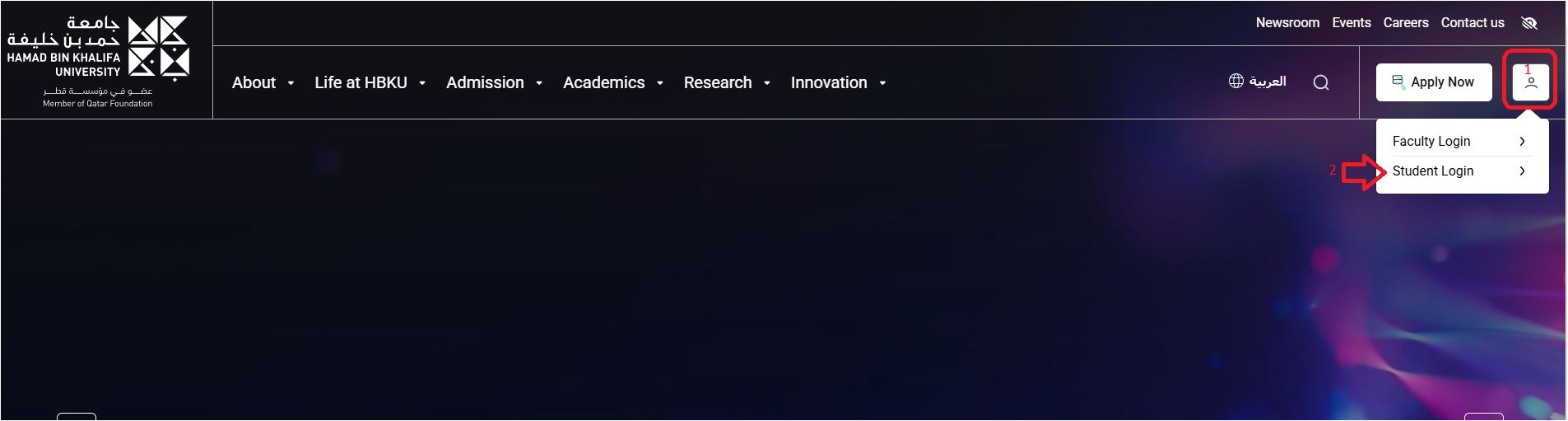
  • Navigate to https://www.hbku.edu.qa/
  • Click on Student Login

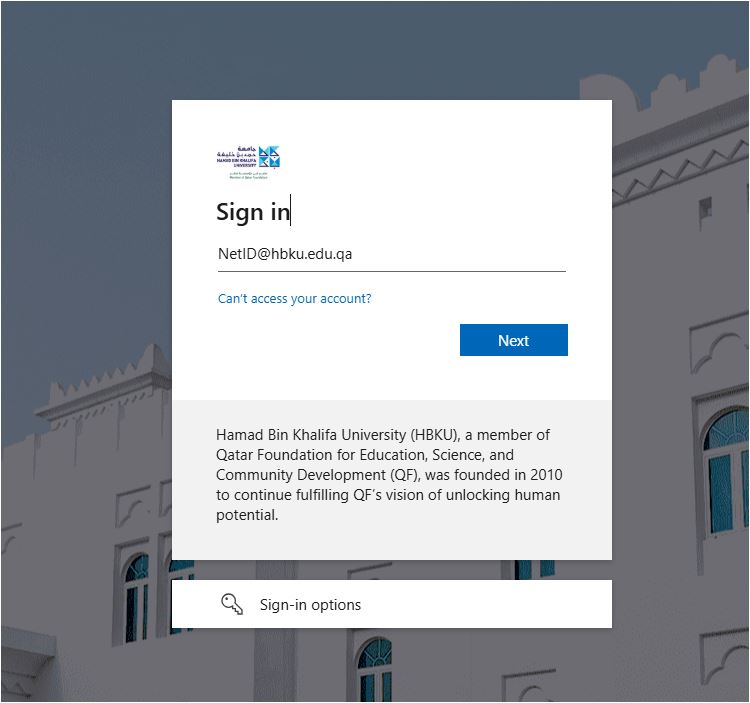
  • Enter HBKU email ID, password, and click on Sign In
 

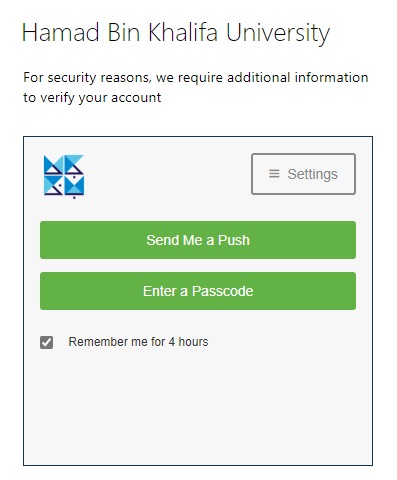
  • Authenticate with DUO
  • Click on Send me a Push and approve from your mobile.
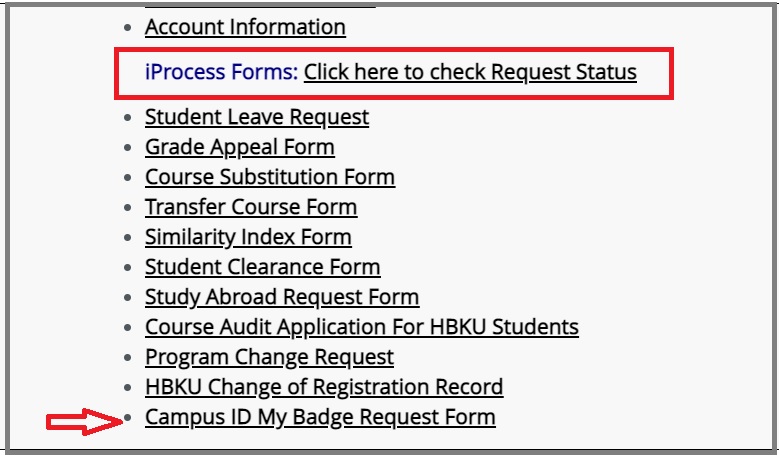
  • The landing Page looks like this. Scroll down to the iProcess Forms Section and select CAMPUS ID MY BADGE REQUEST FORM.
 

Step 2 : Submission

  • Fill in the details and attach the required documents
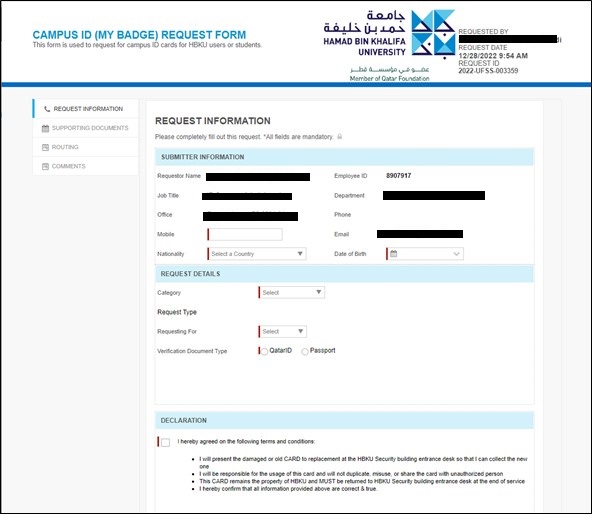
  • Click on Submit Request.

Tags:campus IDHOw students can request campus IDHow students can submit a request for campus ID ?students campus ID

Was this helpful?

13 Yes  1 No
Related Articles
  • How to submit advisor, project and RAC Member selection form (for CHLS Students only )
  • How to submit Internal Procurement Request for CSE
  • How to access AVD through Web
  • How to submit a SRO Project Timesheet ?
  • How to request SRO to add a new sponsor in the e-form?
  • How to request to SRO add a new collaborator in e-Forms?
  • Privacy Policy
  • Privacy Policy
  • Terms of Use
  • Cookies Policy
  • Copyright ©2020 All rights reserved to Hamad Bin Khalifa University.