How to Submit an Annual Procurement Plan
Step 1: Log in
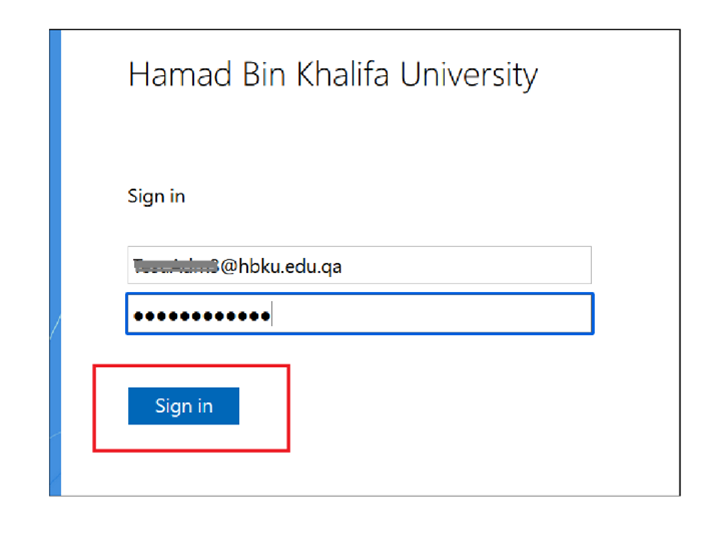
- Navigate to https://iprocess.hbku.edu.qa/
- Log in with HBKU Email ID and Password
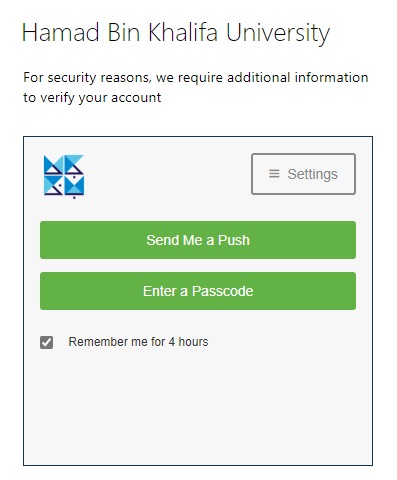
- Authenticate with DUO
- Click on Send me a Push and approve from your mobile.
Step 2: Request Submission
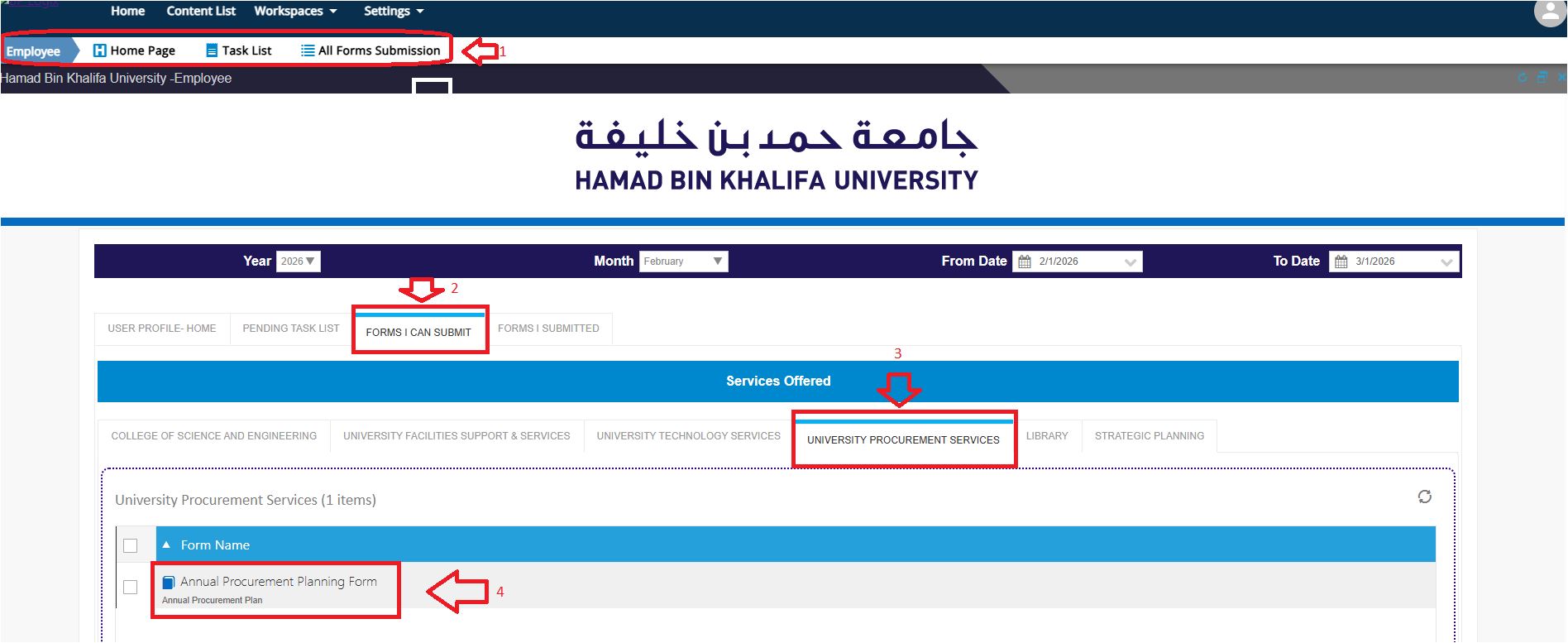
- Under Employee Workspace, click on Form I can Submit Section
- Click on the University Procurement Services Tab
- Click on the Annual Procurement Planning Form
Navigate to each tab and enter the required information.
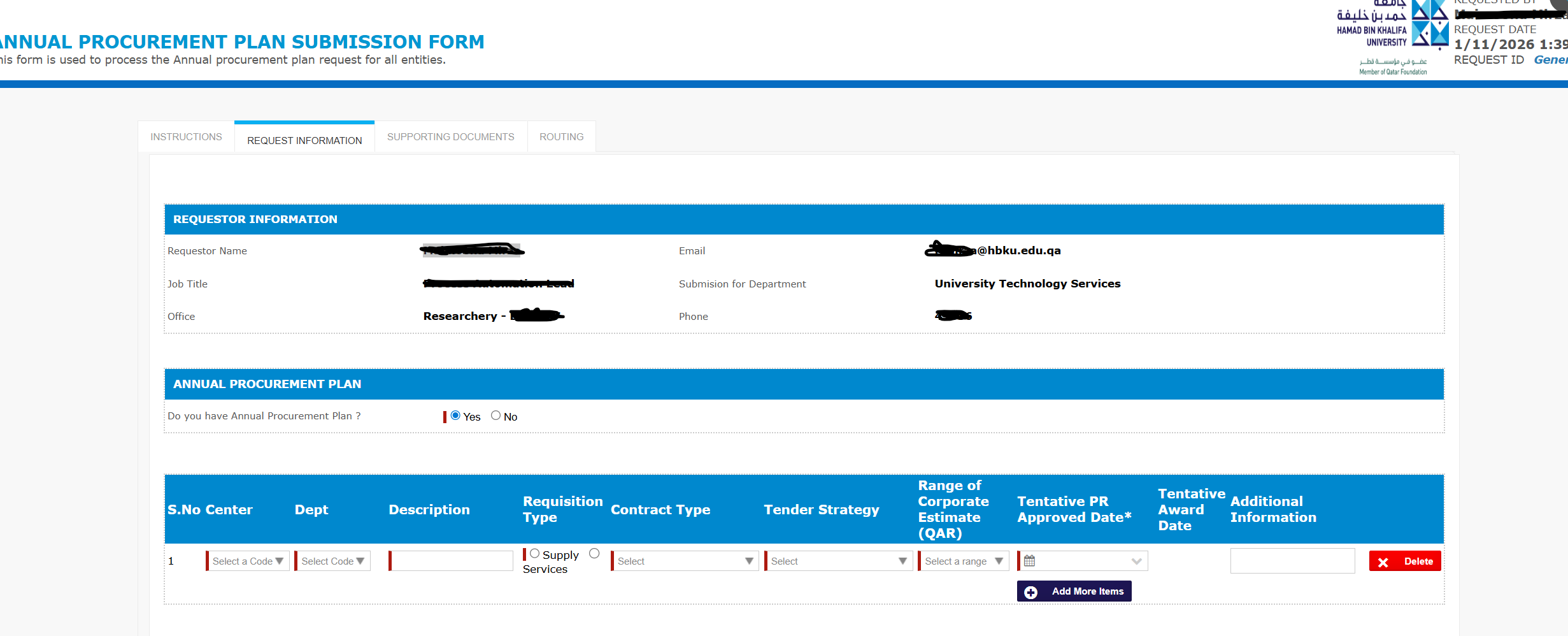
- Click on Submit Request.
