• Home
  • Student
  • Employee
  • FAQs
  • Home
  • Student
  • Employee
  • FAQs
home/Knowledge Base/Faculty

How to chat with a group of people

103 views 0 May 1, 2023 amal

How to chat with a group of people

You can create a group chat by clicking on the button

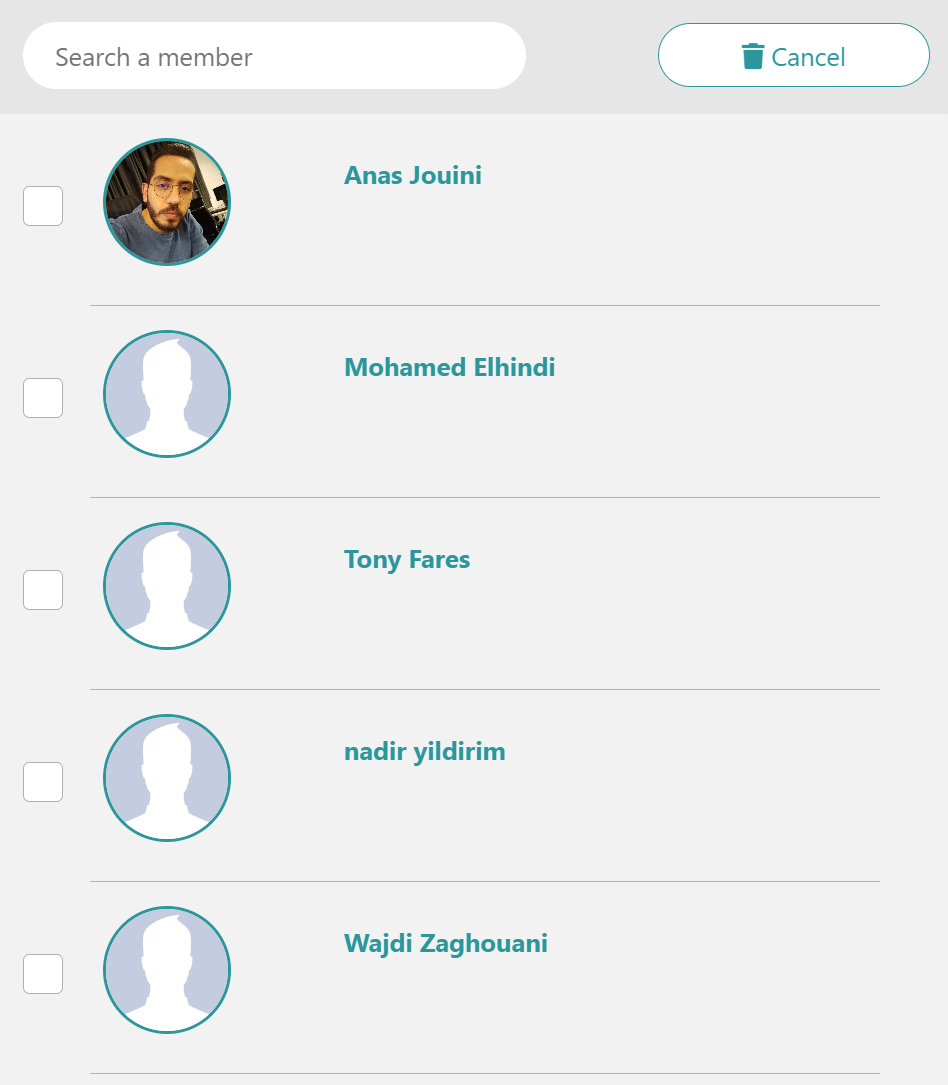
You have then to choose the group members by selecting the checkboxes next to each profile and starting the discussion.
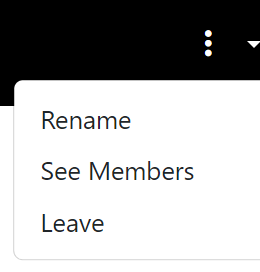
You can rename the group, see all the members or leave the group.


Tags:chat with groupgroup chatting

Was this helpful?

Yes  No
Related Articles
  • How to approve a Survey to Publish
  • How to Publish a Survey (Qualtrics System)
  • How to Submit an Annual Procurement Plan
  • How to submit a Distinguished Professor Application
  • How to submit CSE External Examiner Request Form
  • Official Memo Reference Generation System
  • Privacy Policy
  • Privacy Policy
  • Terms of Use
  • Cookies Policy
  • Copyright ©2020 All rights reserved to Hamad Bin Khalifa University.