How to log in to the iProcess portal?
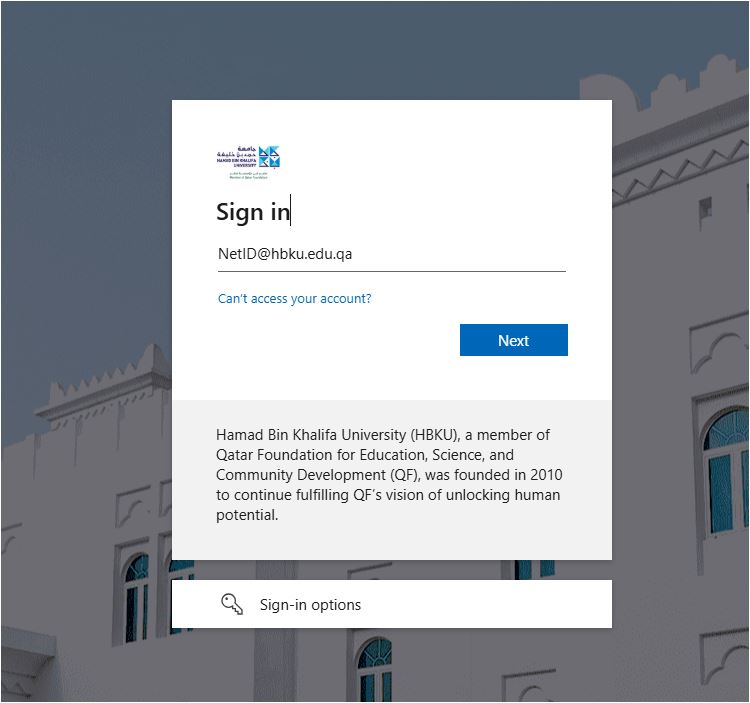
- Navigate to https://iprocess.hbku.edu.qa/
- Log in with HBKU Email ID and Password
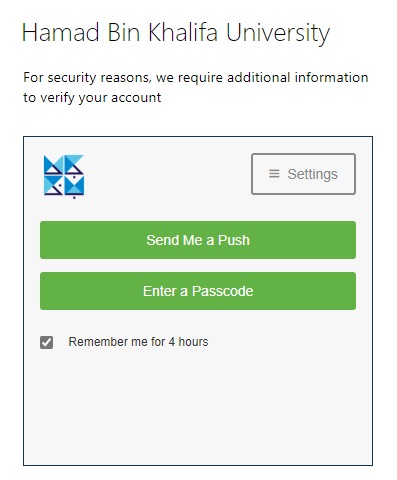
- Authenticate with DUO
- Click on Send me a Push and approve from your mobile.
How to Submit a Request for CAMPUS ID (MY BADGE) REQUEST FORM?
- All HBKU employees can submit this request.
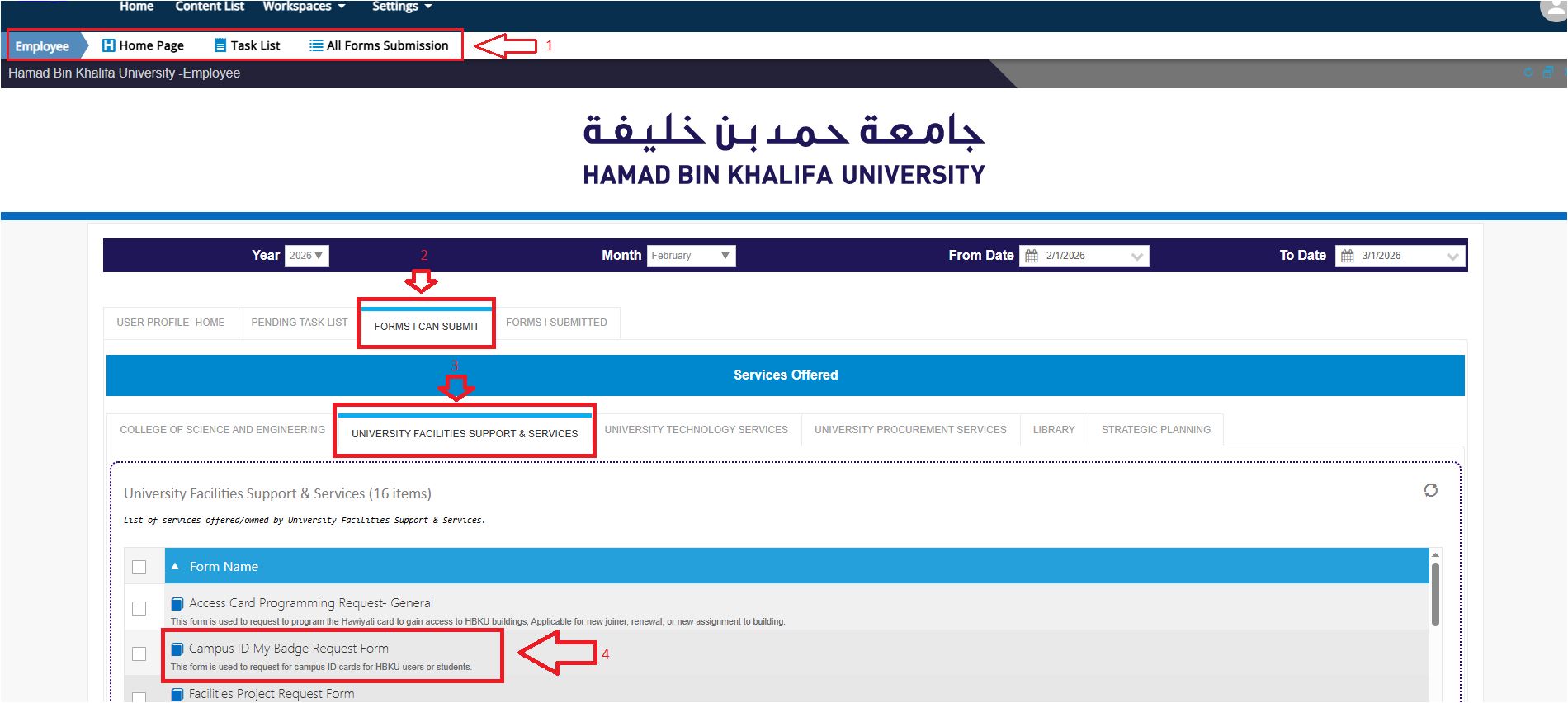
- IN the Employee workspace: Click on Forms I Can Submit Tab and under University Facilities Support & Services Tab,
- Click on Campus ID My Badge Request Forms
- Fill in the details and attach the required documents
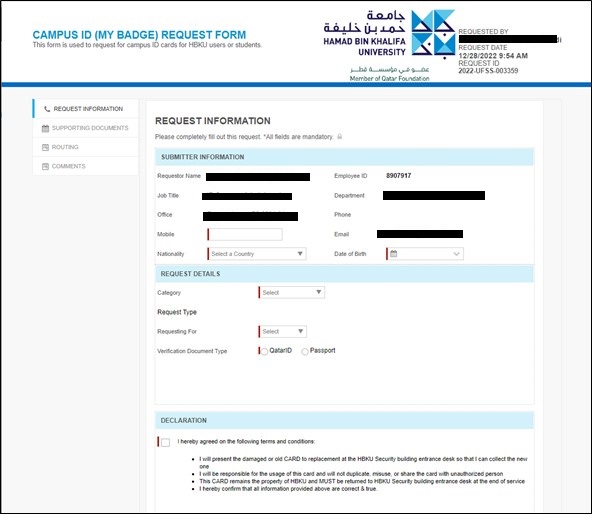
- Click on Submit Request.
