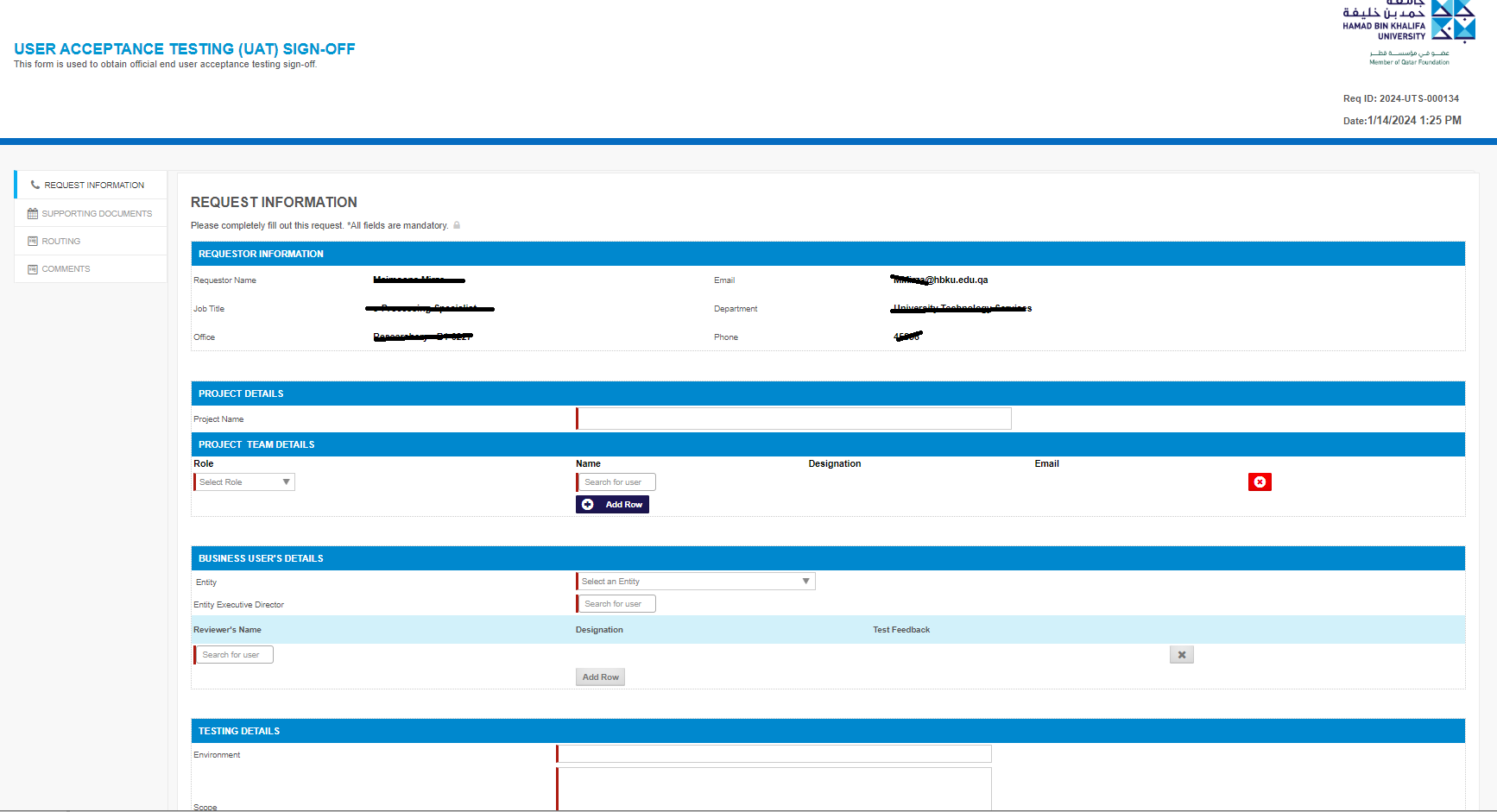
How to Submit a UAT Sign-Off Request Form?
STEP 1: How to Log In?
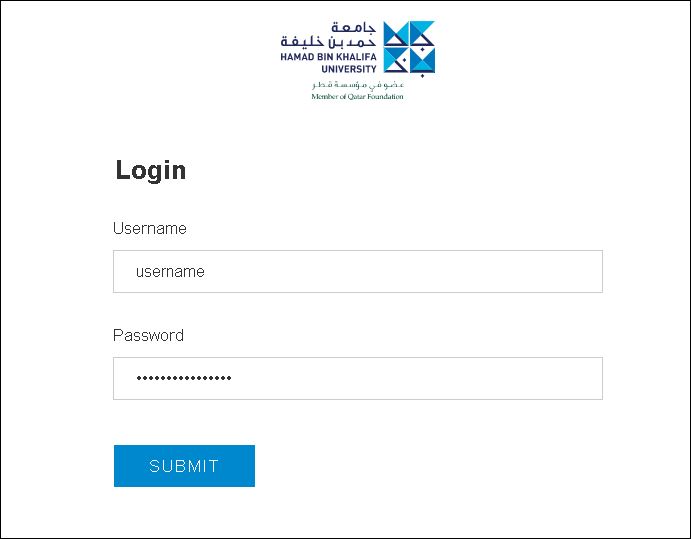
- Navigate to https://iprocess.hbku.edu.qa/
- Log in with HBKU Email ID and Password
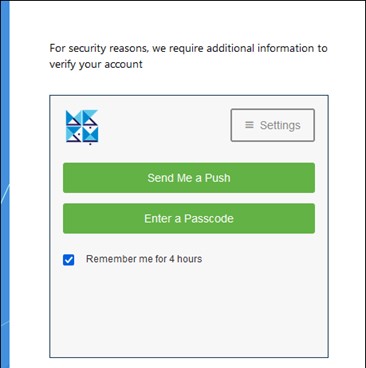
- Authenticate with DUO
- Click on Send me a Push and approve from your mobile.
STEP 2: Submit the request form for User Acceptance Testing Sign-off Request
- This e-Form is available to all UTS Team members.
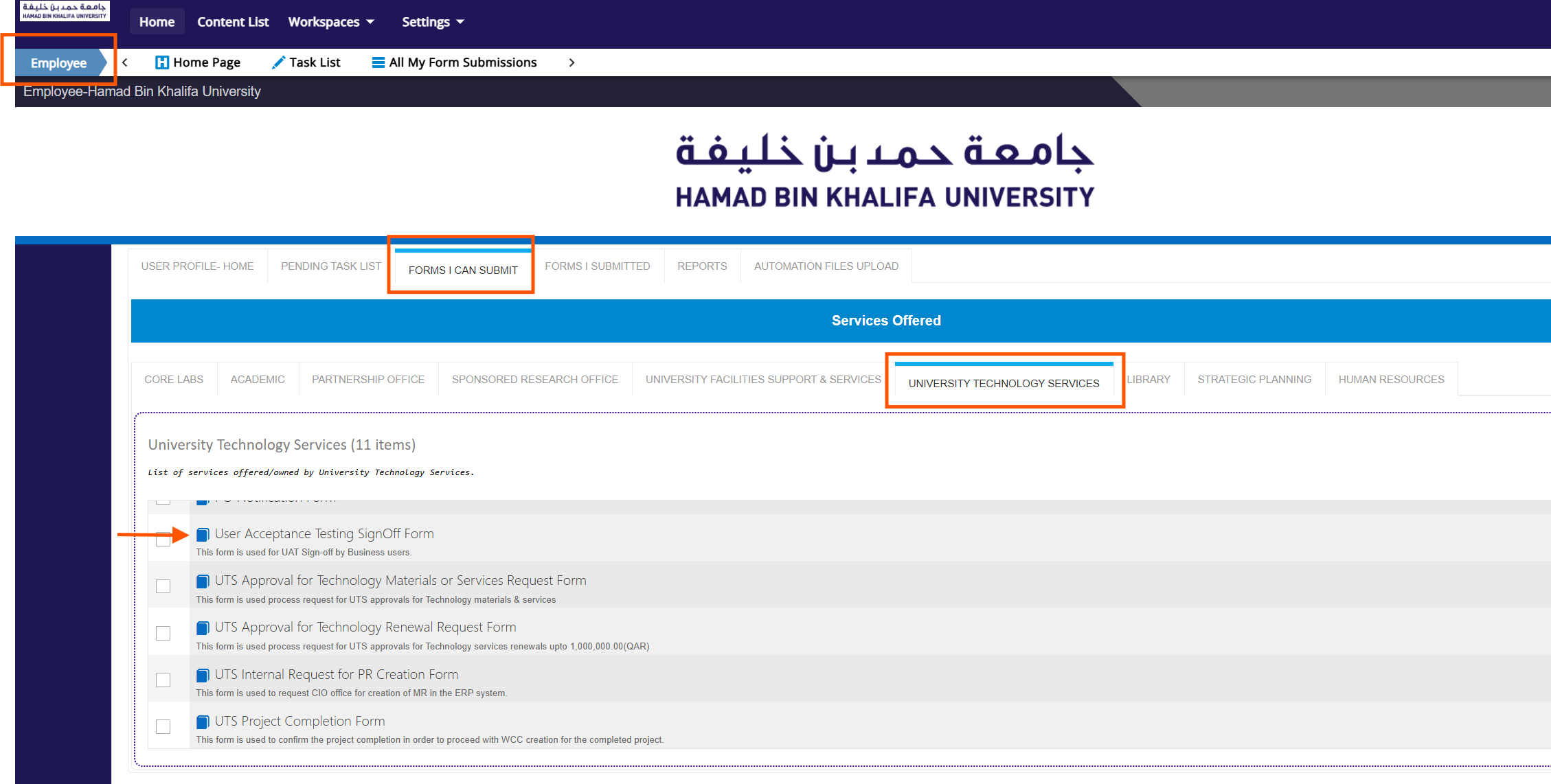
- Click on EMPLOYEE > FORMS I CAN SUBMIT > UNIVERSITY TECHNOLOGY SERVICES.
- Click on the User Acceptance Testing SignOff Form.
Fill in all the details, then click Submit.