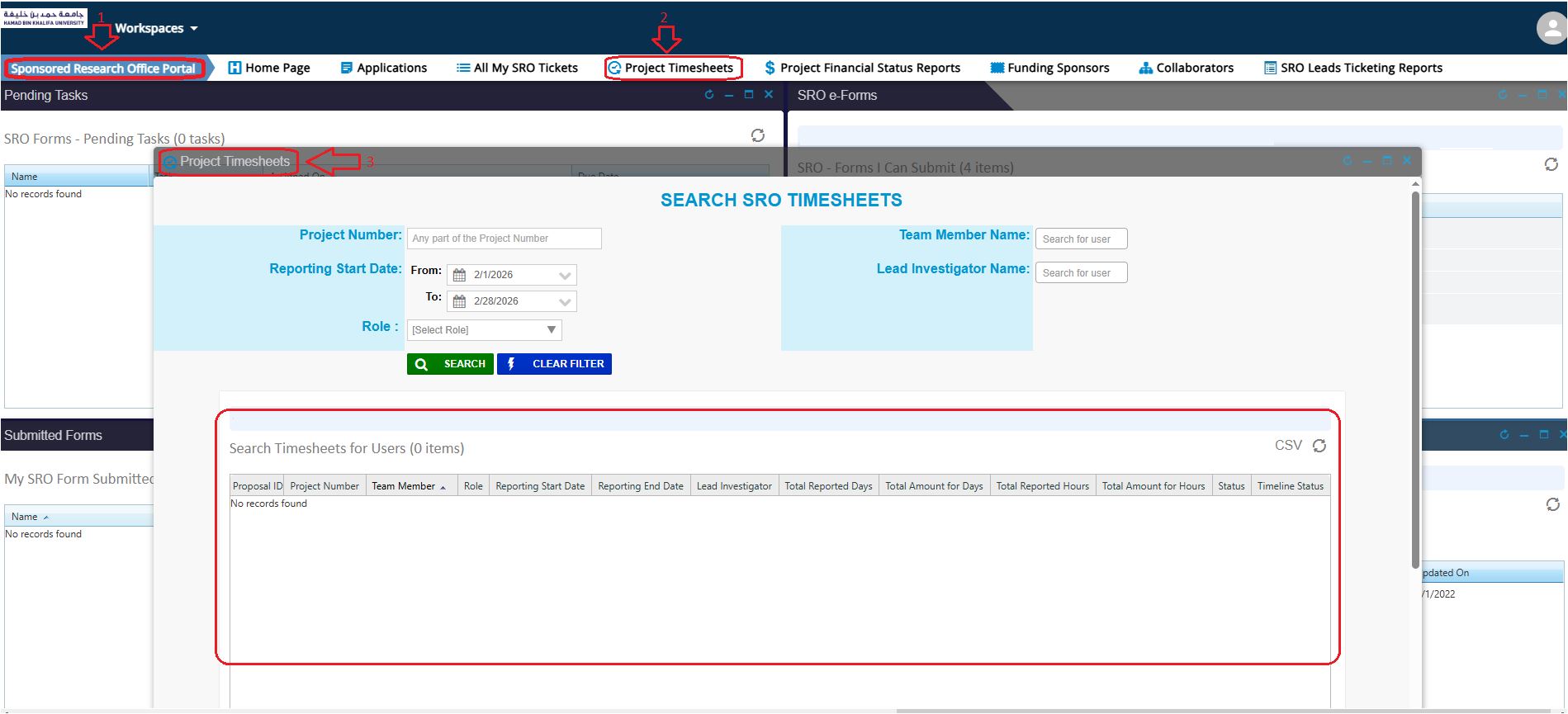
How to submit an SRO Project Timesheet?
Step 1: Log in
- Navigate to https://iprocess.hbku.edu.qa/
- Log in with HBKU Email ID and Password
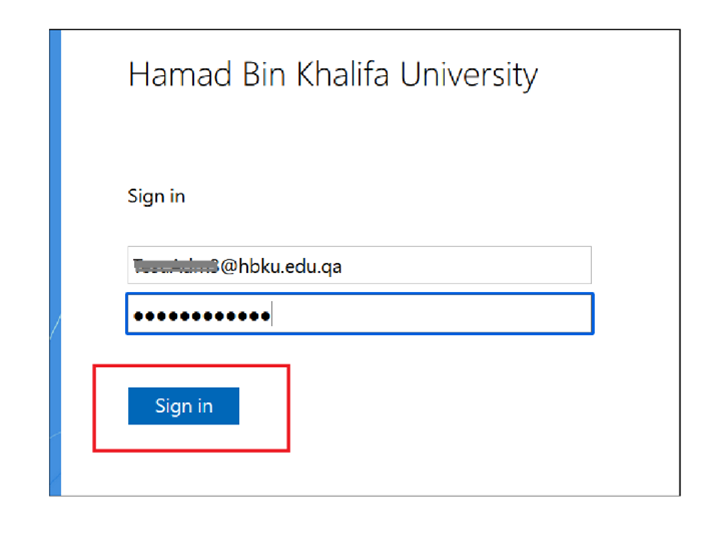
- For Staff:
- Authenticate with DUO
- Click on Send me a Push and approve from your mobile.
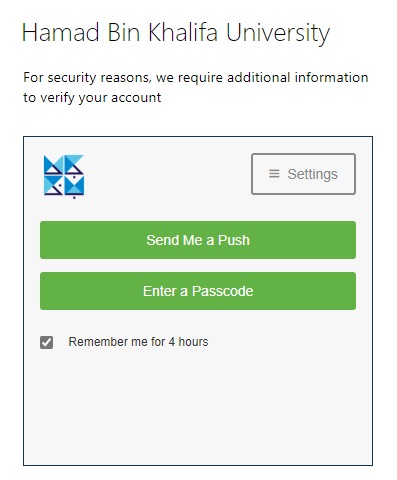
For Students:
- Will be automatically directed to the iProcess system.
Step 2:
- The SRO Project Timesheets for each month will appear in the “SRO Forms – Pending Tasks” window section.
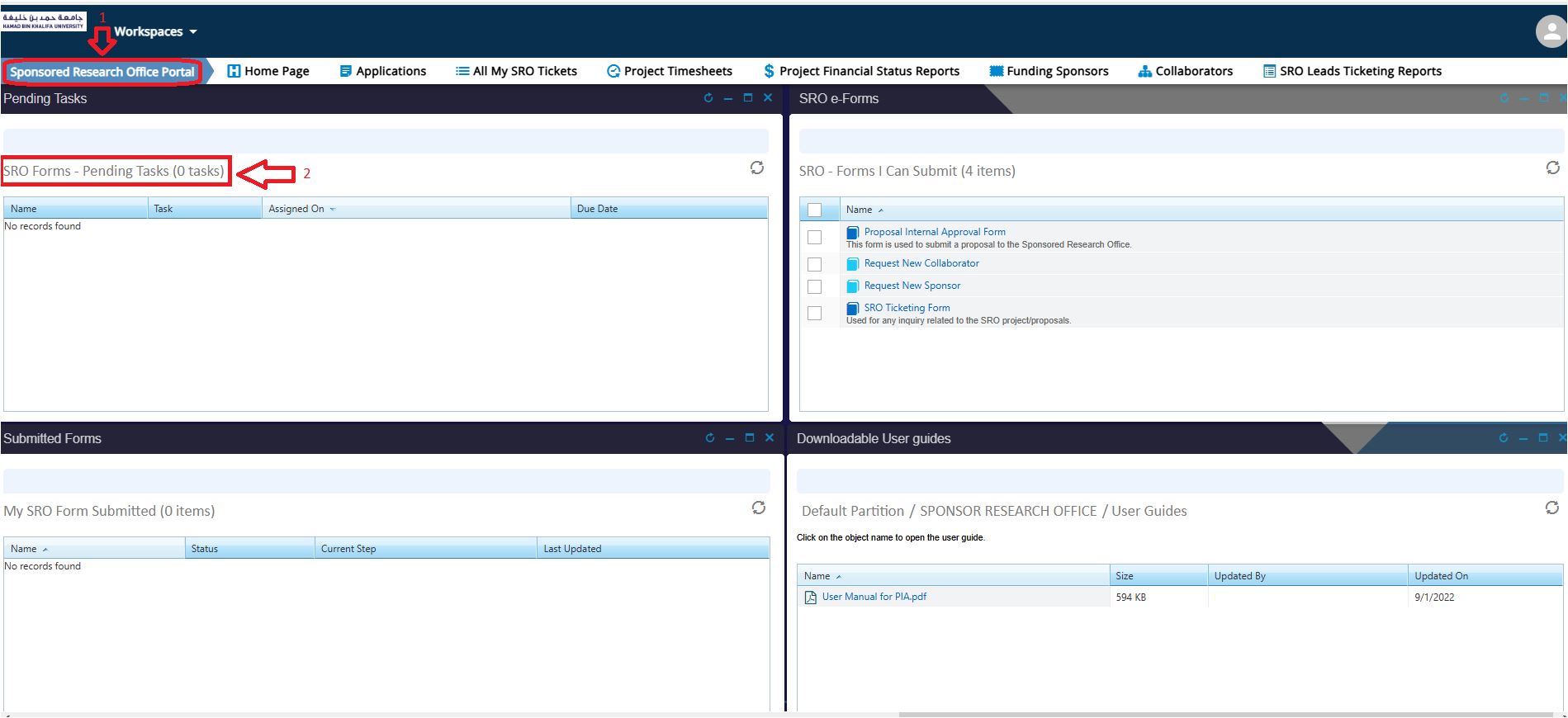
- Click on the required timesheet to open and start filling it:
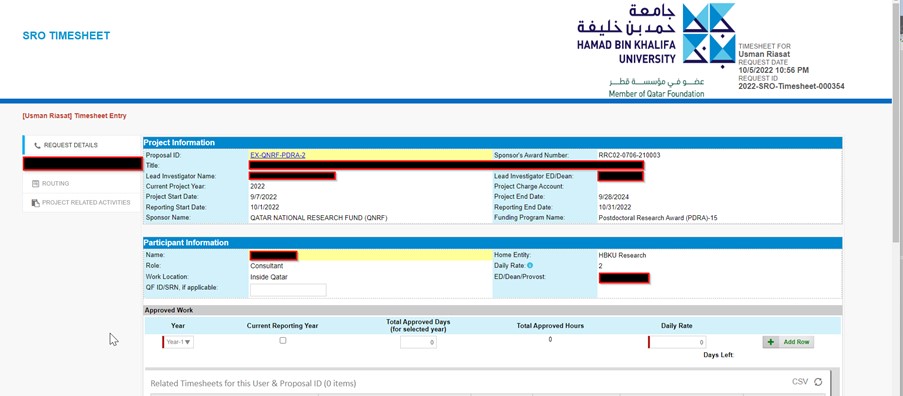
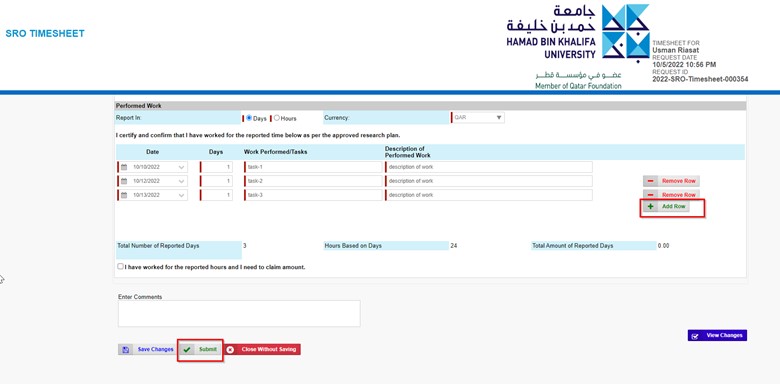
- Please report all the work performed, and enter details in all mandatory fields for each month’s assigned timesheet.
- Once filled out, click the Submit button to send it to your project’s Lead PI for review and approval.
- To view all your project timesheets, please navigate to the Project Timesheets view: