How to submit a request for UTS Approval for the new or renewal of technology materials or services ?
STEP 1: How to Log In?
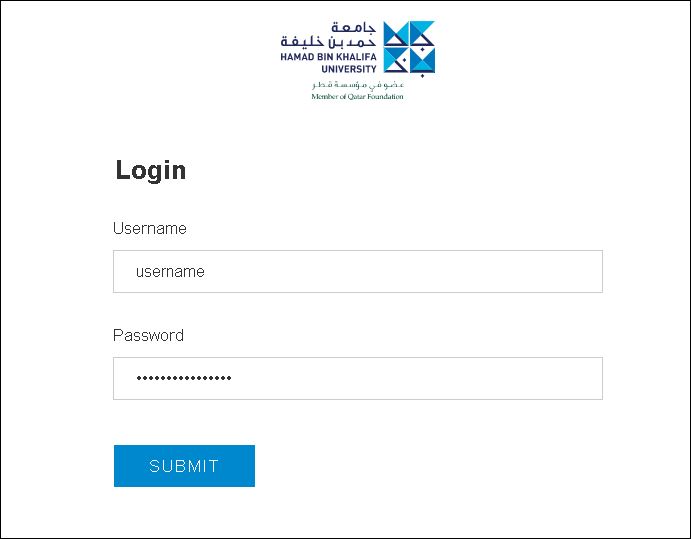
- Navigate to https://iprocess.hbku.edu.qa/
- Log in with HBKU Email ID and Password
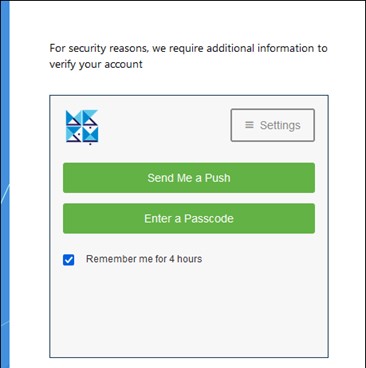
- Authenticate with DUO
- Click on Send me a Push and approve from your mobile.
STEP 2: Submit the request form for UTS Approval for new or renewal of technology materials or services.
- This e-Form is available to all HBKU employees.
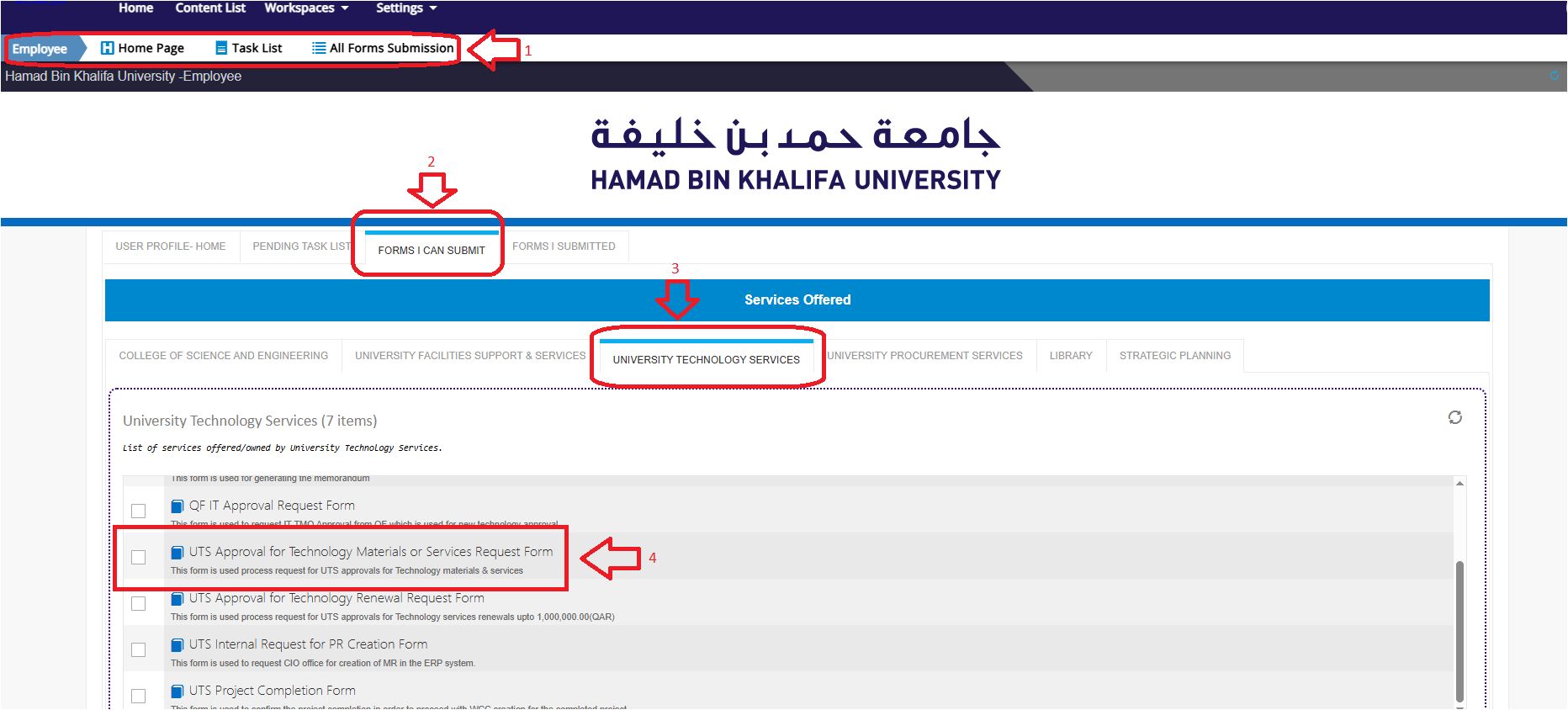
- Click on EMPLOYEE > FORMS I CAN SUBMIT > UNIVERSITY TECHNOLOGY SERVICES.
- Click on the UTS Approval for Technology Materials or Services Request Form.
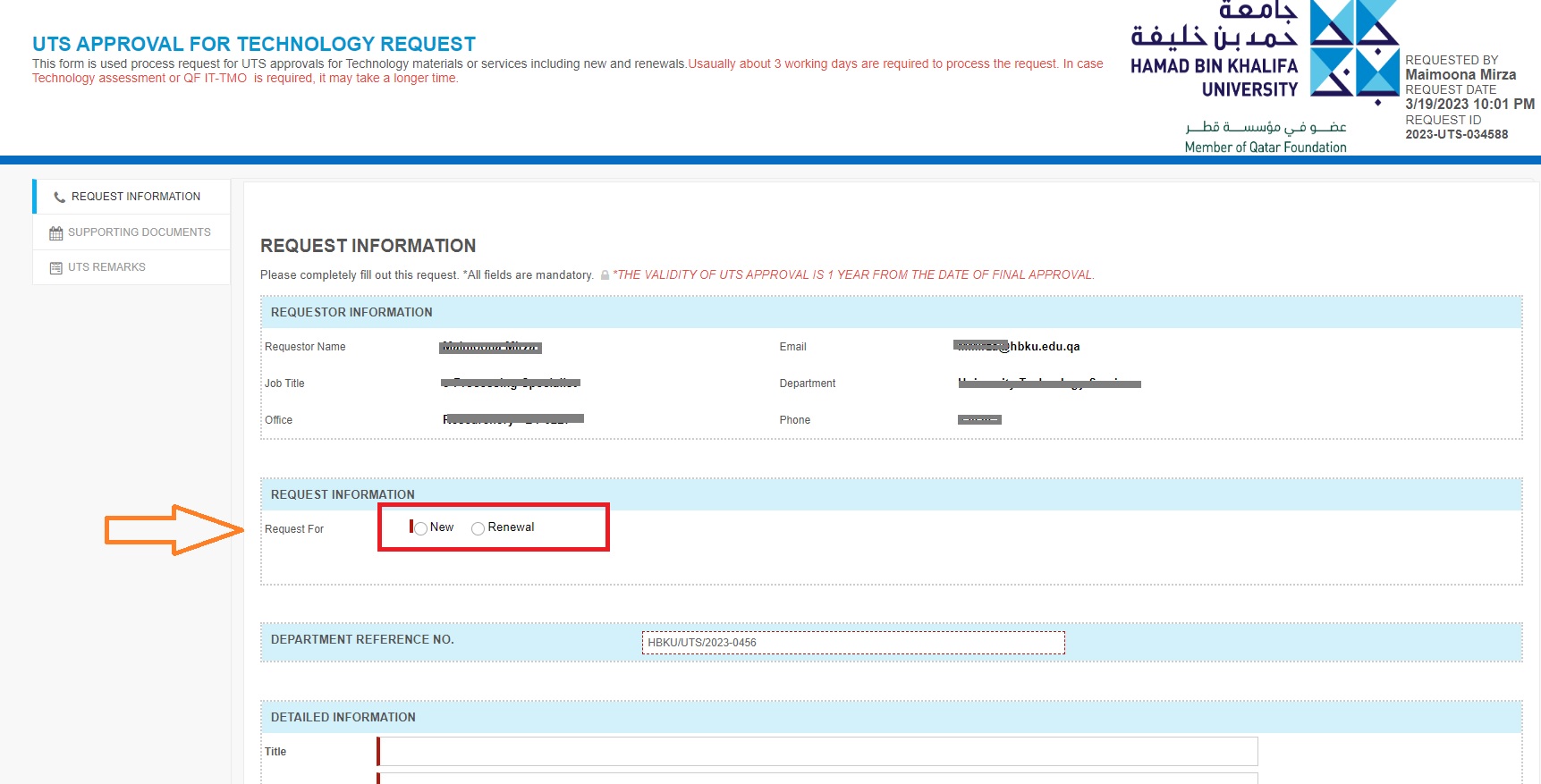
- Fill in all the mandatory fields:
- For New Materials or services, choose Request Type as New.
- For service renewal, choose Request Type: Renewal.
- Fill in all the related information.
- Attach necessary documents in the Supporting Document Section.
- Click on Submit Request.
- Once a request is submitted, an acknowledgment email will be sent to the requester.